Your files, for your eyes only.
Secure, hide, and encrypt your files, photos, and documents instantly.




Some files don't belong in your normal folders.
Create a private encrypted vault for your most sensitive files. They're encrypted locally and stay unreadable without your vault pattern or PIN.
Add a file
It's encrypted the moment it enters your vault — no upload, no server round trip.
Unlock with your pattern
Your pattern or PIN is the only key. Enter it and your files become viewable again.
Lock it again
Access closes instantly. Your file was already encrypted at rest the whole time — viewing it never wrote a decrypted copy to disk.
to add
Tap the file to add it to your vault
Interactive preview — no file is actually uploaded or stored.
Zero-knowledge. No ads. No account required. Free includes 1 vault, up to 10 files — Vaultine Pro unlocks unlimited vaults and files.
Uncompromising File Security
Powerful tools designed to keep your data strictly for your eyes only using military-grade encryption.
True AES-256 Encryption
Forget simple hidden folders. Protect your sensitive files, entire folders, photos, and documents with true AES-256-GCM encryption.
Split & Randomized Encryption
Advanced cryptographic techniques split and randomize your files into fragmented, encrypted chunks. Even if raw storage is exposed, the data remains utterly indecipherable.
True Zero-Knowledge
Your privacy is guaranteed by mathematics. All encryption runs locally, and your keys never leave your device.
Dual Lock Mechanisms
Tailor your security with a Tactical 5x5 Pattern or a Secure 6-Digit PIN. Your access methods are virtually impossible to guess.
Multiple Vaults
Organize your sensitive data by creating multiple independent vaults on the same device, all secured by your master credentials.
Secure Internal Viewer
Read PDFs, view photos, and play videos directly inside the encrypted vault without ever extracting them to unprotected folders.
Bulk File Operations
Easily import and export massive amounts of data with high-speed, hardware-accelerated processing.
Folder Support
Keep your files perfectly organized. Easily create nested folders and import entire directory structures directly into the vault.
Decoy Vault
Plausible deniability built-in. Enter a secondary pattern or PIN to open a harmless alternate space, keeping your true vault hidden.
Duress Vault
Extreme security for critical situations. Present a fake vault while automatically wiping your sensitive vaults in the background, then carry on with that vault as your main one, with nothing left to suggest the others existed.
Stealth Auto-Lock
Never worry about leaving your PC unattended. Vaultine instantly wipes cryptographic keys from memory and locks your vault the exact moment the app is minimized.
One-Click Panic Button
Total control in an emergency. Use the secure panic button to instantly and permanently wipe all local vault data, ensuring nothing can be recovered.
Encrypted Cloud Sync
Seamlessly back up your encrypted files and folders via Dropbox. Your data remains 100% protected both in transit and at rest.
Fail-Safe Recovery
Never permanently lose access to your files. Recover your vault with a cryptographically generated 12-word seed phrase.
Custom Recovery Phrases
Take ultimate control of your fallback mechanisms by creating your own memorable recovery phrase instead of using an auto-generated seed.
Data Resilience & Repair
Enjoy peace of mind with a self-healing repair tool that scans for and recovers orphaned or corrupted encrypted files.
Tracker-Free Privacy
Absolutely no third-party trackers, external ad networks, or data harvesting. Your data is strictly yours alone.
On-Device Operation
Vaultine encrypts and decrypts everything locally, on your device. Your files never have to leave it to be secured, viewed, or managed.
Who Vaultine is for
Different people hand their phone to strangers for different reasons.
The wrong person unlocking your phone shouldn't put anyone else at risk.
A private, encrypted vault for protest photos, contacts and planning details, with a Duress Vault that wipes the real files if you're forced to unlock under pressure.
For FreelancersThree clients' files shouldn't share one folder.
A separate encrypted vault for each client's material, imported as whole folders, on a device with no account and no server holding your files or your key.
For JournalistsSome files don't belong in your normal folders.
A private, encrypted vault for source material and contact lists, with a Duress Vault that wipes the real files if you're forced to unlock under pressure.
Protect your data with Vaultine
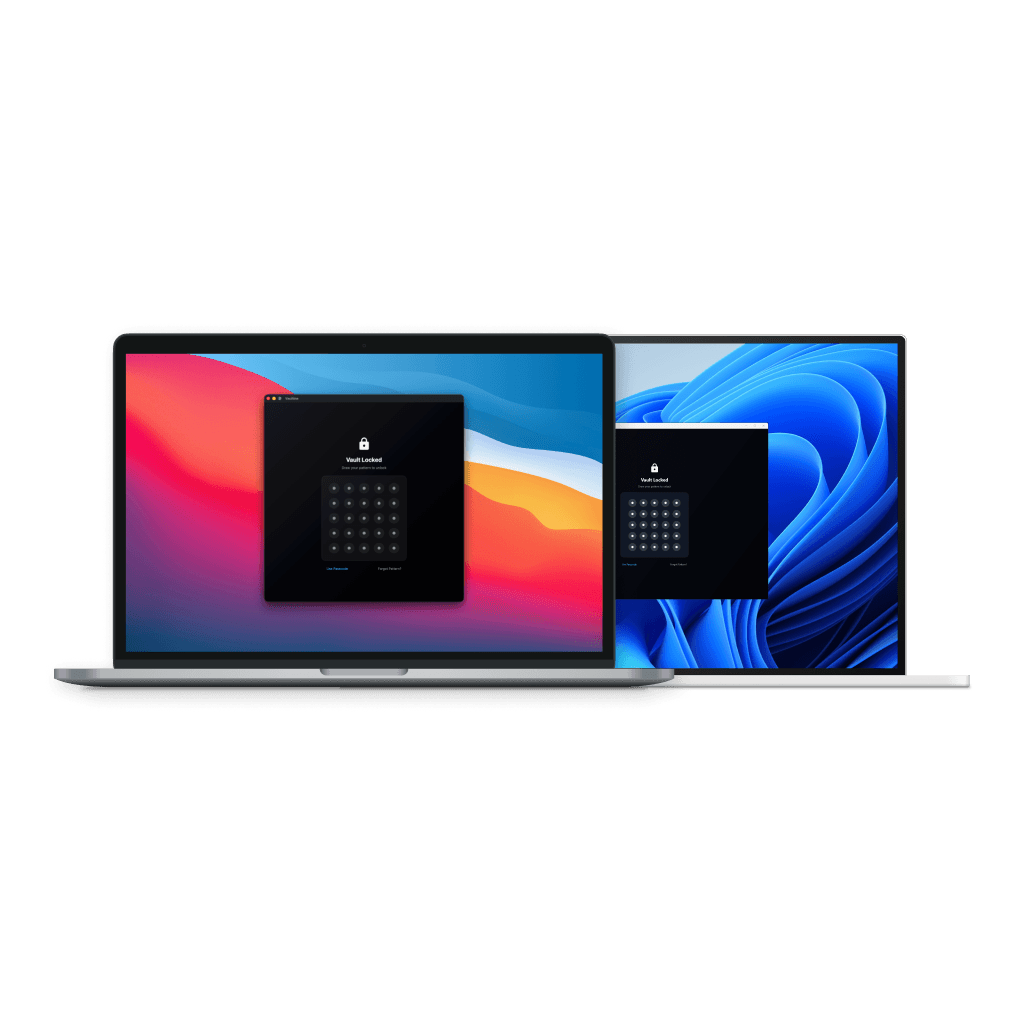
Available for download on iOS, Android, macOS, and Windows
Frequently asked questions
Everything you need to know about Vaultine
Still have questions?
Can't find the answer you're looking for? Our support team is here to help.
Contact SupportTry Vaultine
Encrypted on your device, no account, free to start.
One vault across macOS, Windows, iOS, Android.





